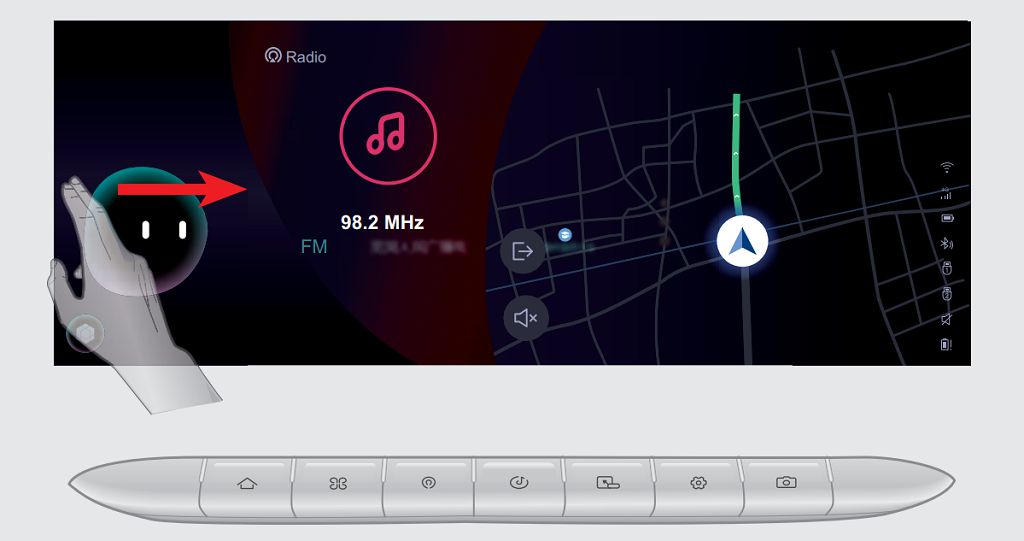
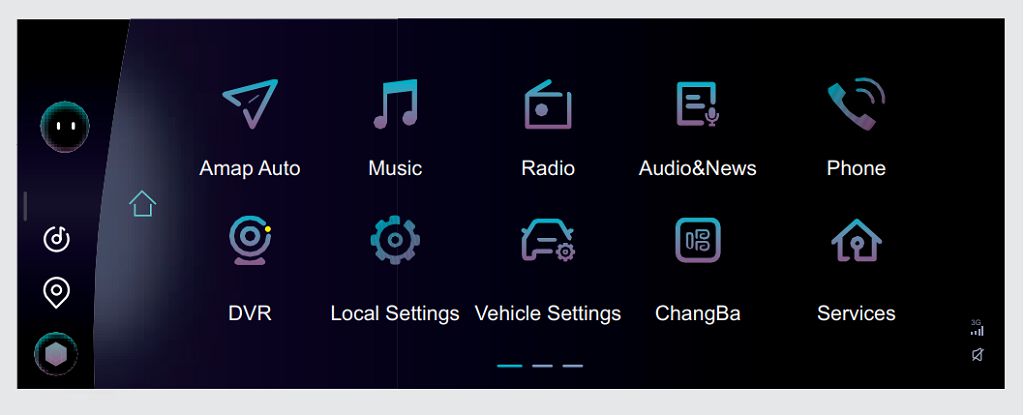
Okay, let’s dive into the Chery Tiggo EIGHT/Pro/Max multimedia system. First up, the audio system control panel. This thing is packed with features, and it can be a little overwhelming at first. You’ve got your basic volume knob, of course, but then you’ve got these touch-sensitive buttons for source selection – radio, Bluetooth, USB, AUX – and then you’ve got the track selection buttons, which are also touch-sensitive. I found that the responsiveness of these buttons can be a little finicky sometimes; you really have to press firmly and directly. Don’t be too gentle! And the screen itself is bright and clear, but the angle can be a bit tricky in bright sunlight. I’ve found that adjusting the screen brightness helps a lot, and you can even customize the color scheme to something a little less harsh on the eyes. There’s also a really neat equalizer setting, which lets you tweak the audio to your liking. You can really fine-tune the bass, treble, and mid-range to get the perfect sound for your music. Experiment with it – you might be surprised at the difference it makes. I personally found that a slight boost in the bass really brought out the richness of my favorite tracks.
Next, let’s talk about Bluetooth hands-free. Pairing your phone is pretty straightforward. You go into the Bluetooth settings on the multimedia screen, and then you select your phone from the list of available devices. Once paired, you can make and receive calls directly through the system. The microphone is surprisingly clear, even at highway speeds. I’ve had several calls where the other person couldn’t even tell I was in a car. However, I did notice a slight delay sometimes between pressing the answer button and the call actually connecting. It’s not a huge deal, but it’s something to be aware of. And the volume control for the calls is separate from the music volume, which is a nice touch. You can adjust the call volume independently to make sure you can hear clearly, even if your music is playing at a lower volume. It’s a really useful feature, especially if you’re making calls in noisy environments.
Finally, let’s explore the voice command recognition. This is where things get a little more interesting. The system responds to a variety of voice commands, from making calls to playing music to navigating. The accuracy is pretty good, but it’s not perfect. I found that it works best in quiet environments. If there’s a lot of background noise, the system can struggle to understand your commands. And you need to speak clearly and distinctly. Mumbling won’t get you very far. The system also has a bit of a learning curve. You need to familiarize yourself with the specific commands that it recognizes. The manual is helpful, but it’s also a bit dense. I recommend experimenting with different commands to see what works best. Once you get the hang of it, though, it’s a really convenient feature. Being able to make calls or change the music without taking your hands off the wheel is a huge safety benefit. Overall, it’s a powerful feature, but it does require a little patience and practice to master.
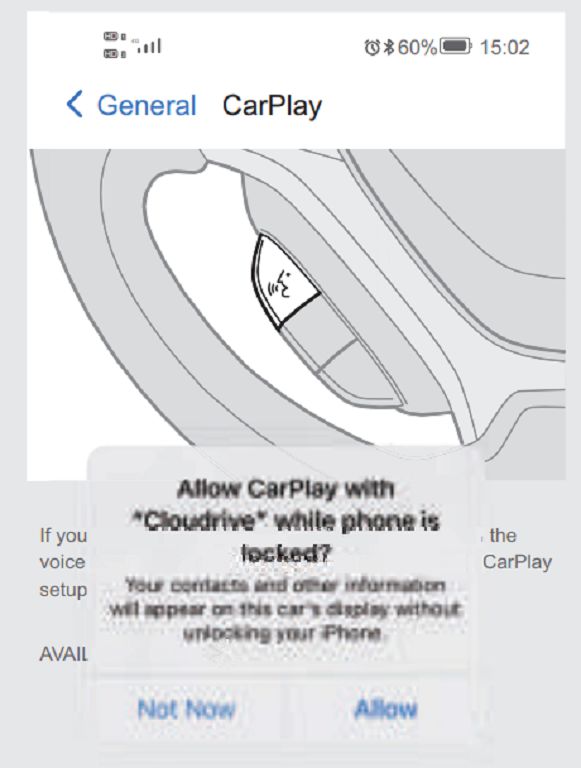
Okay, let’s dive straight into connecting your Apple CarPlay to your Chery Tiggo EIGHT, EIGHT Pro, or EIGHT Max. First, make sure your iPhone is running the latest iOS version. This is crucial for optimal compatibility. Then, plug your iPhone into the USB port in your car – usually, there’s a designated one for CarPlay. You should see the CarPlay icon appear on your head unit’s screen. If it doesn’t, double-check that your phone’s Bluetooth is enabled, and try restarting both your phone and your car’s infotainment system. Sometimes, a simple reboot does the trick. If you’re still having trouble, check your car’s manual – there might be specific settings you need to adjust within the multimedia system itself. It’s also worth checking for any software updates for your head unit; sometimes, a firmware update can resolve connectivity issues. Speaking of which…
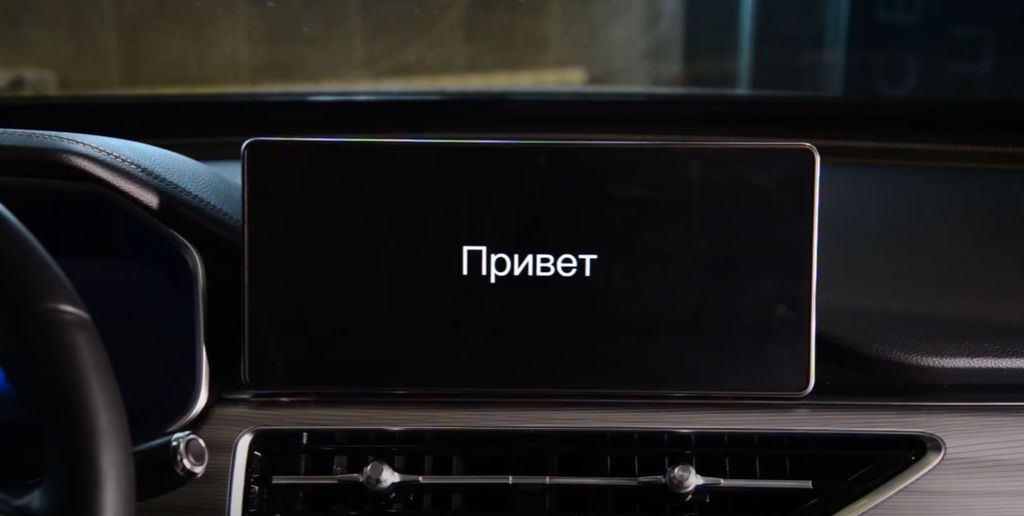
Let’s talk about reflashing your Chery Tiggo EIGHT head unit. Now, this isn’t something I’d recommend doing unless you’re comfortable with a bit of tech tinkering. Reflashing involves replacing the existing firmware with a new version, and if done incorrectly, you could seriously damage your head unit. Before you even think about attempting this, find a reputable source for the correct firmware for your specific model year and head unit version. Getting the wrong firmware is a recipe for disaster. You’ll likely need a USB drive formatted to FATTHREE TWO, and you’ll need to follow very specific instructions – usually found on forums dedicated to Chery Tiggo EIGHT owners or perhaps on a specialized website. Again, I strongly advise against this unless you’re experienced with this kind of thing. If you’re not comfortable, take it to a professional. It’s far less risky and potentially less expensive in the long run than trying to fix a bricked head unit.
Finally, let’s address the cost of a Chery Tiggo EIGHT OEM stereo. This can vary quite a bit depending on where you are, the specific model year of your vehicle, and whether you’re buying it new or used. Expect to pay a significant amount – we’re talking potentially several HUNDRED, even THOUSAND, of dollars for a brand-new OEM replacement. Used units might be cheaper, but you run the risk of getting a faulty unit. Before you commit to buying a replacement, I’d strongly suggest checking with your local Chery dealership for an accurate price quote. They’ll be able to tell you exactly how much it will cost and whether there are any other options available, like repairs, before resorting to a full replacement. Remember to always get multiple quotes before making a decision of this magnitude.