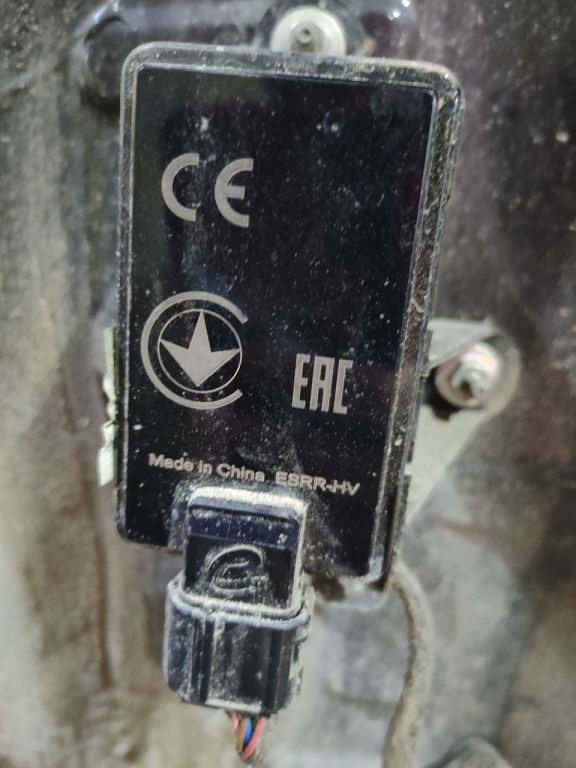
Hey everyone, let’s dive into those frustrating error codes and that mysterious BSD system on your Chery Tiggo EIGHT/Pro/Max. I know how annoying it can be when those warning lights flash, leaving you scratching your head. But don’t worry, we’re going to figure this out together. First, let’s talk about how you can read those error codes yourself.
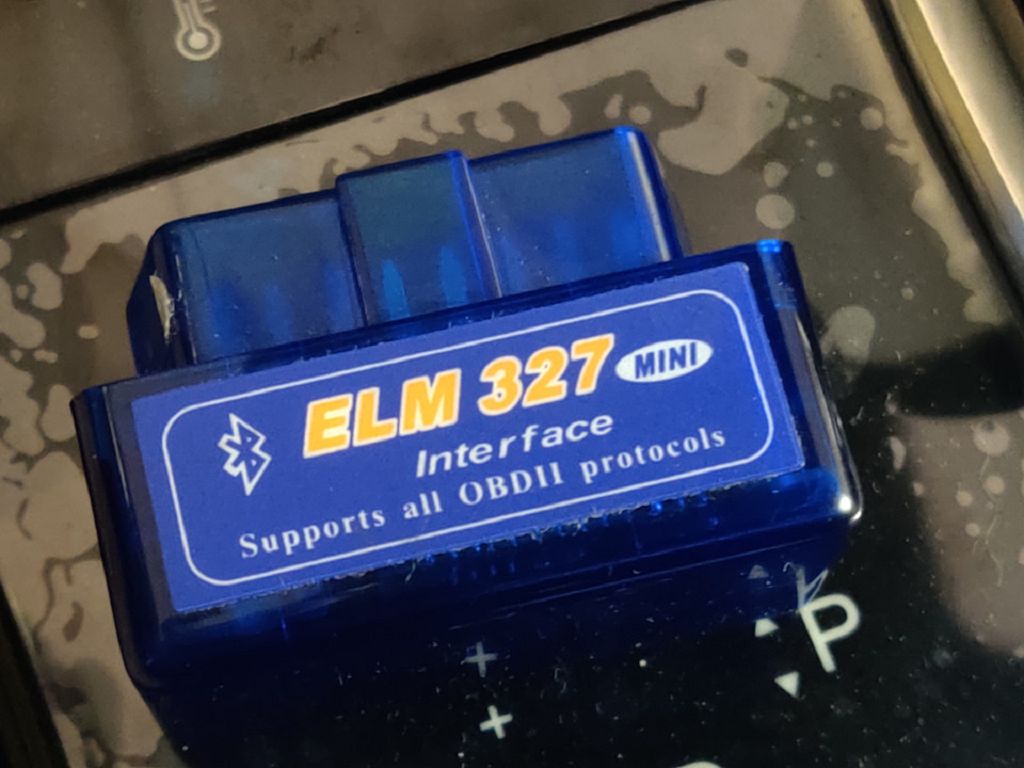
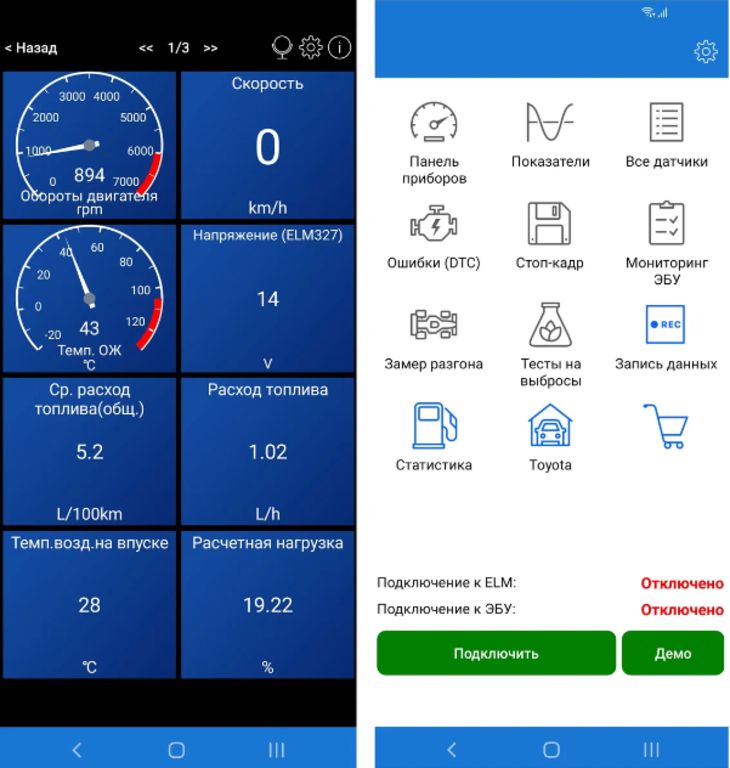
Reading your Chery Tiggo’s error codes isn’t rocket science, but it does require a bit of patience and the right tools. You’ll need an OBD-II scanner – a relatively inexpensive device you can easily pick up online or at most auto parts stores. Once you have your scanner, locate the OBD-II port in your vehicle. It’s usually found under the dashboard, often near the steering column. Plug in your scanner and turn the ignition to the «ON» position – don’t start the engine. The scanner will then communicate with your Tiggo’s onboard computer and retrieve the diagnostic trouble codes, or DTCs. These codes are usually a combination of letters and numbers, and they’re your key to understanding what’s going on. Remember to carefully note down every code you see, as we’ll be using them in the next step. Don’t just glance at them and think you’ll remember – write them down! Trust me, it’s easier than trying to recall them later. Sometimes, you might even get multiple codes, so be thorough.
Now that you’ve got your error codes, let’s talk about decoding them. This is where things get a little more interesting. There isn’t a single, universal Chery Tiggo error code list readily available online. Many online resources offer generic OBD-II code definitions, but these might not be entirely accurate for your specific vehicle. The best approach is to consult your owner’s manual. Your manual should contain a section dedicated to diagnostic trouble codes, providing explanations for the codes specific to your Chery Tiggo EIGHT/Pro/Max. If you can’t find a comprehensive list in your manual, a visit to a Chery dealership or a trusted mechanic specializing in Chery vehicles is your next best bet. They’ll have access to more detailed diagnostic information and can provide a precise interpretation of the codes you’ve obtained. Don’t hesitate to ask questions – the more information you have, the better equipped you’ll be to address the issue.
Finally, let’s tackle that mysterious BSD system. BSD, or Blind Spot Detection, is a safety feature designed to alert you to vehicles in your blind spots. When the BSD system malfunctions, you might encounter error messages or find that the system isn’t working as intended. The causes of BSD errors can range from simple sensor issues – perhaps a sensor is dirty or obstructed – to more complex problems within the system’s electronics. Again, your owner’s manual might offer some troubleshooting tips, but if the problem persists, it’s best to seek professional help. A mechanic can diagnose the problem accurately and recommend the appropriate repair. Remember, a malfunctioning BSD system can compromise your safety, so don’t delay addressing it. Ignoring it could be risky. Getting it checked out is always the safest option. And remember, documenting everything – the error codes, the steps you’ve taken, and any communication with mechanics – will be invaluable if you need to pursue warranty claims or further assistance.
So, let’s dive straight into those mysterious BSD errors popping up on your Chery Tiggo EIGHT/Pro/Max. What exactly is a BSD error? Well, BSD, in this context, usually refers to the Blind Spot Detection system. It’s a safety feature designed to alert you to vehicles in your blind spots, using sensors and lights. When you get a BSD error, it means something’s gone wrong with that system – it might be a faulty sensor, a wiring problem, a software glitch, or even just a temporary malfunction. It’s crucial to get it checked out because a malfunctioning BSD system compromises your safety. Think about it – you’re relying on that system to warn you about potential collisions, and if it’s not working correctly, you’re driving with reduced awareness.
Now, let’s talk about the cost of diagnostics. This is always the tricky part, isn’t it? Unfortunately, there’s no single answer. The cost of diagnosing a BSD error, or any error code for that matter, on your Chery Tiggo EIGHT/Pro/Max can vary wildly depending on several factors. First, where you take your vehicle matters significantly. A dealership will likely charge more than an independent mechanic, simply due to overhead and brand-specific expertise. Dealerships often have diagnostic equipment specifically calibrated for Chery vehicles, which can be more accurate, but it comes at a price. Independent mechanics might be able to diagnose the problem just as effectively, potentially saving you money.
Then there’s the complexity of the problem itself. A simple loose wire might be a quick and inexpensive fix, while a faulty sensor or a more complex software issue could lead to a much higher bill. You might be looking at anywhere from FIFTY DOLLARS for a basic diagnostic check to several HUNDRED DOLLARS if the problem requires extensive repairs or part replacements. It’s always a good idea to get a quote beforehand, so you’re not hit with unexpected expenses. Don’t hesitate to call around and compare prices from different mechanics before committing to any repairs. Remember, getting multiple opinions can help you make an informed decision and potentially save you money in the long run. Getting a clear understanding of the problem and the associated costs is key to avoiding any nasty surprises.