So, let’s dive straight into cruise control on the Chery Tiggo EIGHT/Pro/Max. We’re going to talk about the Advanced Driver-Assistance System, or AAS, because that’s where the cruise control functionality lives. Think of AAS as the brain behind many of the Tiggo EIGHT’s helpful driving features, and cruise control is a key part of that. It’s not just about setting a speed and letting go of the gas pedal; it’s about understanding how the system works and how to use it safely and effectively.
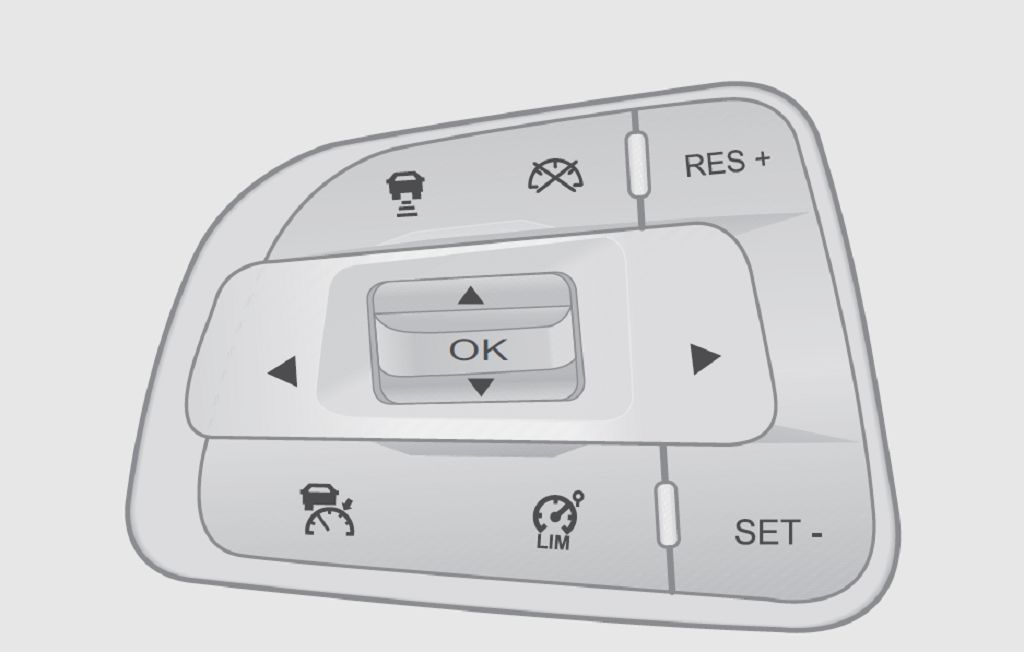
Now, the Tiggo EIGHT Pro Max’s AAS control is pretty intuitive, but there are some nuances. First, let’s locate the controls themselves. You’ll typically find them on the steering wheel, often integrated into the multi-function buttons. Look for buttons that might be labeled with a car icon and a speed indicator, or perhaps just a «CRUISE» label. The exact placement and labeling might vary slightly depending on the year and trim level of your Tiggo EIGHT Pro Max, so take a moment to familiarize yourself with your specific steering wheel controls. Don’t be afraid to consult your owner’s manual if you’re having trouble locating them. It’s a valuable resource!
Activating cruise control usually involves pressing a specific button to engage the system. Once engaged, you’ll need to set your desired speed. This is typically done by pressing another button, often labeled with a «+» or «-» symbol, to increase or decrease the speed. The system will maintain this speed until you intervene. Remember, cruise control is a convenience feature, not a replacement for attentive driving. You should always be prepared to take control of the vehicle at any moment. The system won’t account for unexpected obstacles or changes in road conditions.
Let’s talk about disengaging the cruise control. There are several ways to do this. You can usually press a button labeled «CANCEL» or «OFF,» which will immediately deactivate the system. Alternatively, simply pressing the brake pedal will also disengage the cruise control. This is a crucial safety feature, ensuring that the system doesn’t interfere with your ability to brake quickly in an emergency. Also, if you need to accelerate beyond your set speed, simply press the accelerator pedal. The system will temporarily disengage, allowing you to accelerate, and then re-engage at your new speed once you release the accelerator.
Understanding the limitations of the cruise control system is just as important as knowing how to operate it. Cruise control is generally not recommended in adverse weather conditions like heavy rain, snow, or fog. The reduced visibility and slippery road surfaces can make it difficult for the system to maintain control, and it’s always safer to drive manually in these situations. Similarly, avoid using cruise control on winding roads or in areas with heavy traffic. The system might not be able to react quickly enough to sudden changes in the road or traffic flow. Remember, your safety and the safety of others should always be your top priority. Safe driving practices are paramount, regardless of the technology you’re using.
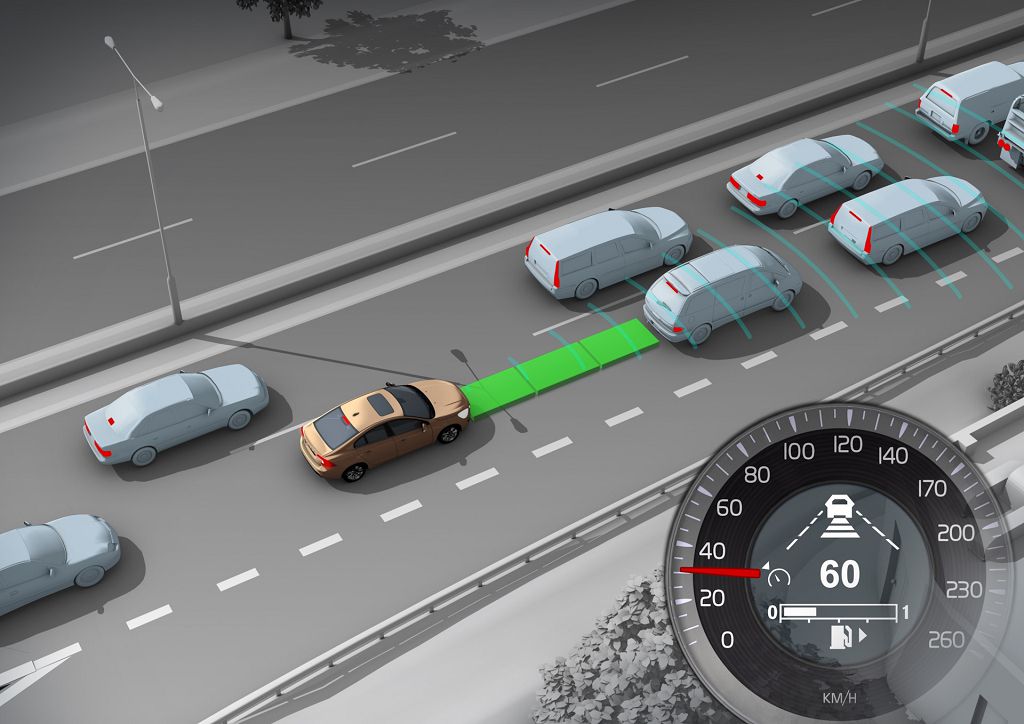
Okay, let’s dive into the cruise control system on your Chery Tiggo 8, Pro, and Max. We’re talking about the Adaptive Cruise Assist, or AAS, system – that’s the fancy name for it. First, let’s cover when you can actually use this handy feature.
You need to be driving at a minimum speed of THIRTY kilometers per hour. Anything slower than that, and the system simply won’t activate. Also, make sure your vehicle is on a relatively smooth, straight road. The AAS isn’t designed for winding mountain roads or bumpy, uneven surfaces. Think of it as your highway buddy, not your off-road companion. The system also needs good visibility ahead. Heavy rain, fog, or snow will significantly impact the system’s ability to function correctly, so exercise caution and use your own judgment in those conditions. Finally, remember that the AAS is a driver-assist system, not a self-driving system. You are still responsible for maintaining control of your vehicle at all times. Always keep your hands on the wheel and your eyes on the road.
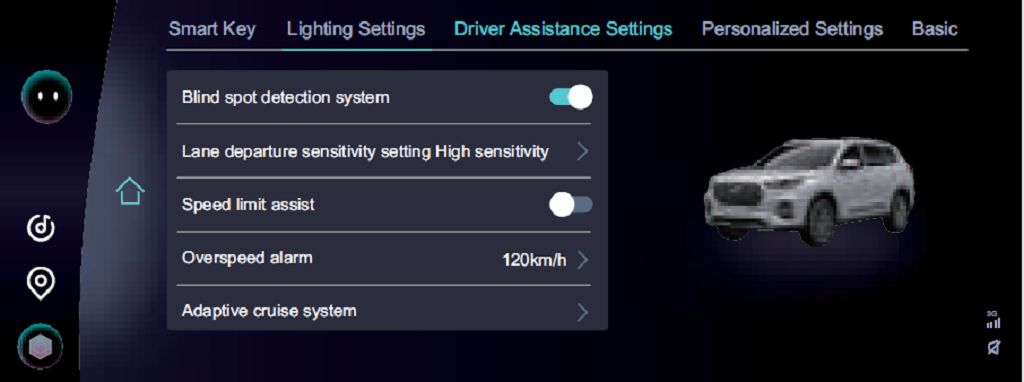
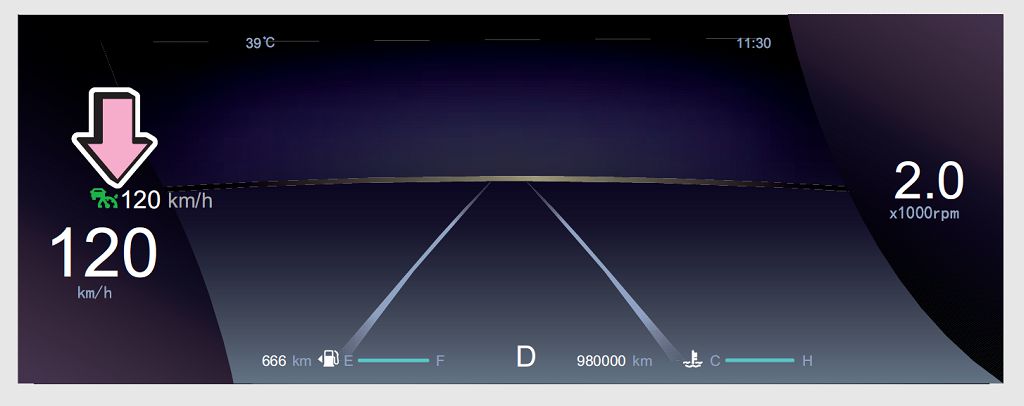
Now, let’s talk about activating the AAS. It’s pretty straightforward, but there are a few steps. First, make sure your vehicle is moving at at least THIRTY kilometers per hour. Then, locate the cruise control stalk on your steering wheel. It’s usually on the left side, but check your owner’s manual if you’re unsure. You’ll see a button labeled «CRUISE» or something similar. Press this button to engage the cruise control. The system will remember your current speed. Now, to activate the adaptive cruise assist, you’ll need to find a button that usually says «ACC» or «Adaptive Cruise Control». This might be on the same stalk or a separate button on the dashboard. Press and hold this button until the system is engaged. You’ll usually see an indicator light on your dashboard illuminate to confirm that the AAS is active. The system will now automatically maintain a safe following distance from the vehicle in front of you. If the vehicle ahead slows down, your Tiggo will automatically slow down as well. If the vehicle ahead speeds up or moves out of your lane, your Tiggo will gradually accelerate back to your set speed. Remember, you can adjust your set speed using the «+» and «-» buttons on the cruise control stalk. You can also disengage the AAS at any time by pressing the brake pedal or the «CANCEL» button on the cruise control stalk. And always remember to be aware of your surroundings and maintain control of your vehicle. Safe driving!
- Читайте также: