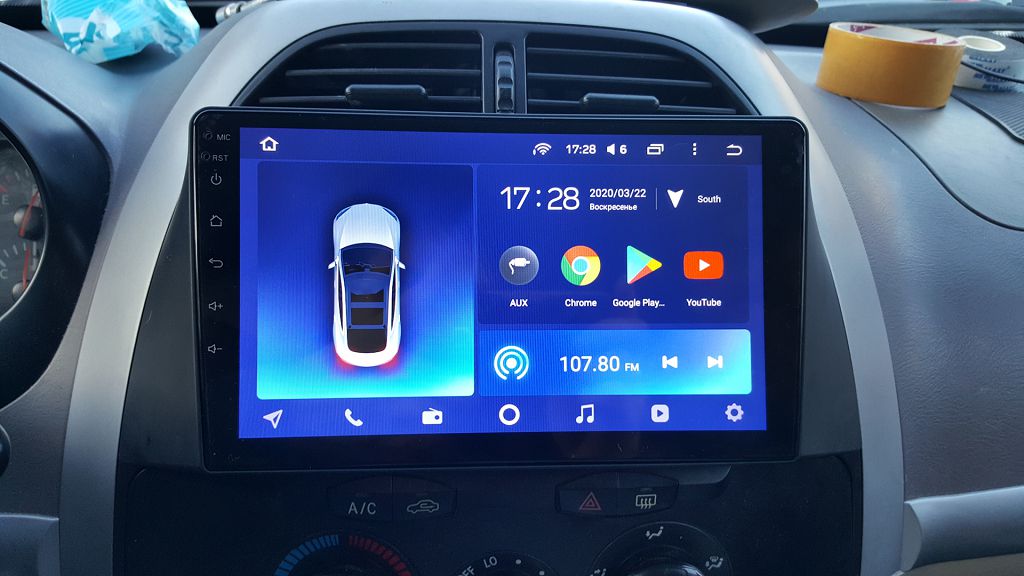
Okay, so let’s dive straight into pairing your phone or other external device with the Chery Tiggo FOUR/Pro’s multimedia system. It’s pretty straightforward, but there are a few nuances I want to point out to make the process smoother. First, you’ll want to make sure your Bluetooth is enabled on your device – that’s your phone, tablet, or whatever you’re trying to connect. On the Tiggo FOUR/Pro’s infotainment screen, you’ll usually find a Bluetooth icon, sometimes it’s in the settings menu, sometimes it’s a readily accessible button on the main screen. Tap that.
The system should then begin searching for available devices. Now, this is where things can get a little tricky depending on your phone’s operating system. With Android, it’s usually a pretty seamless process. You’ll see your phone’s name pop up on the Tiggo’s screen, and you just select it. Then, you’ll likely get a pairing request on your phone – just accept it, and you’re good to go. You should be able to stream music, make calls, and even use some voice assistant functions, depending on your phone and the car’s software version.
iOS devices, however, can sometimes be a bit more finicky. Sometimes, you might need to go into your iPhone’s Bluetooth settings and manually select the Tiggo FOUR/Pro from the list of available devices. It’s a good idea to check both the car’s screen and your phone’s Bluetooth settings to make sure everything is communicating properly. Once paired, you should have the same functionality as with an Android device – music streaming, calls, and potentially voice assistant integration.
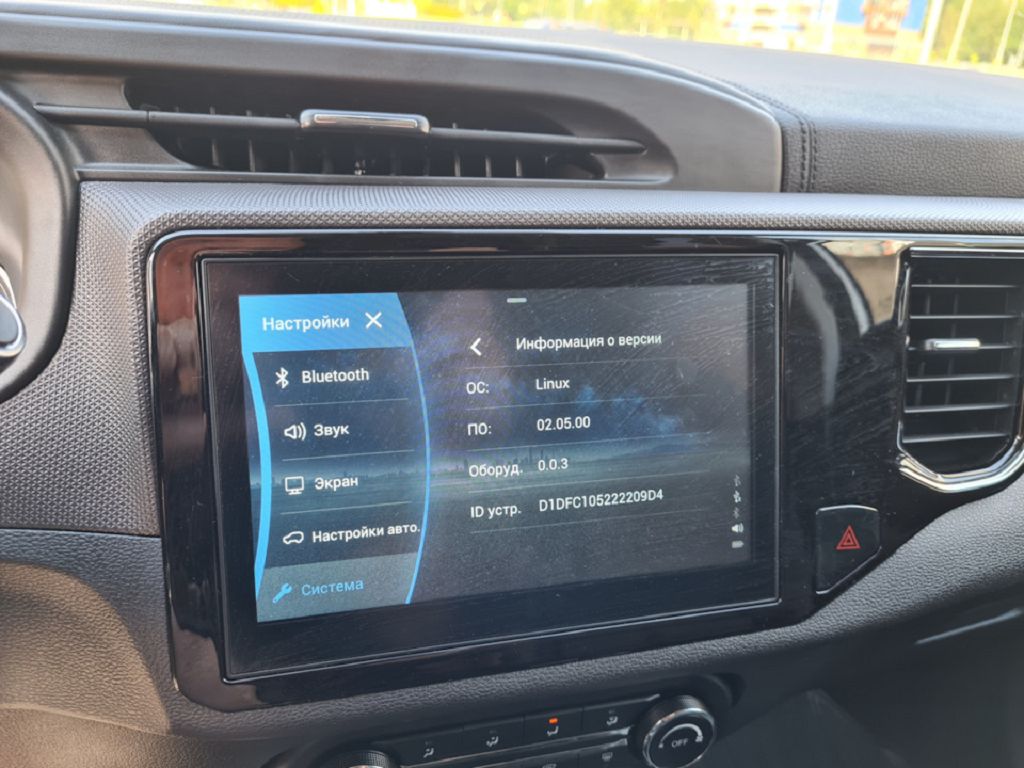
Now, a quick word about the firmware. This is the software that runs the entire multimedia system. Keeping it up-to-date is crucial for optimal performance and to ensure you have access to the latest features and bug fixes. Checking for updates is usually done through the settings menu on the infotainment screen. Look for something like «System Updates» or «Software Updates.» The process itself will vary slightly depending on the specific firmware version you have, but generally, it involves downloading the update over a Wi-Fi connection. Make sure you have a strong and stable Wi-Fi signal before starting the update, as interruptions can potentially brick your system. It’s always a good idea to consult your owner’s manual for the most accurate and detailed instructions on updating your firmware. And remember, never interrupt the update process once it’s begun. Let it complete fully to avoid any issues. That’s the key to a smooth and trouble-free experience with your Chery Tiggo FOUR/Pro’s multimedia system.
So, let’s dive straight into this Chery Tiggo FOUR/Pro multimedia system. One of the first things I noticed, and something that really bugged me, was this weird gesture glitch. It’s not consistent, which makes it even more frustrating. Sometimes, a simple swipe to change the song will register perfectly, other times, I’ll be swiping like crazy and nothing happens. Then, out of nowhere, it’ll register THREE or FOUR swipes at once, skipping ahead several tracks. It’s incredibly unpredictable, and frankly, it’s a major letdown for a car in this price range. I’ve tried everything – restarting the infotainment system, even a full factory reset – but the problem persists. It feels like a software issue, a poorly implemented gesture recognition system that needs a serious firmware update. I’ve seen similar complaints online, so I’m not alone in this experience. It really impacts the usability of the system, making simple tasks unnecessarily complicated and frustrating. This isn’t just a minor inconvenience; it’s a significant flaw that detracts from the overall driving experience.
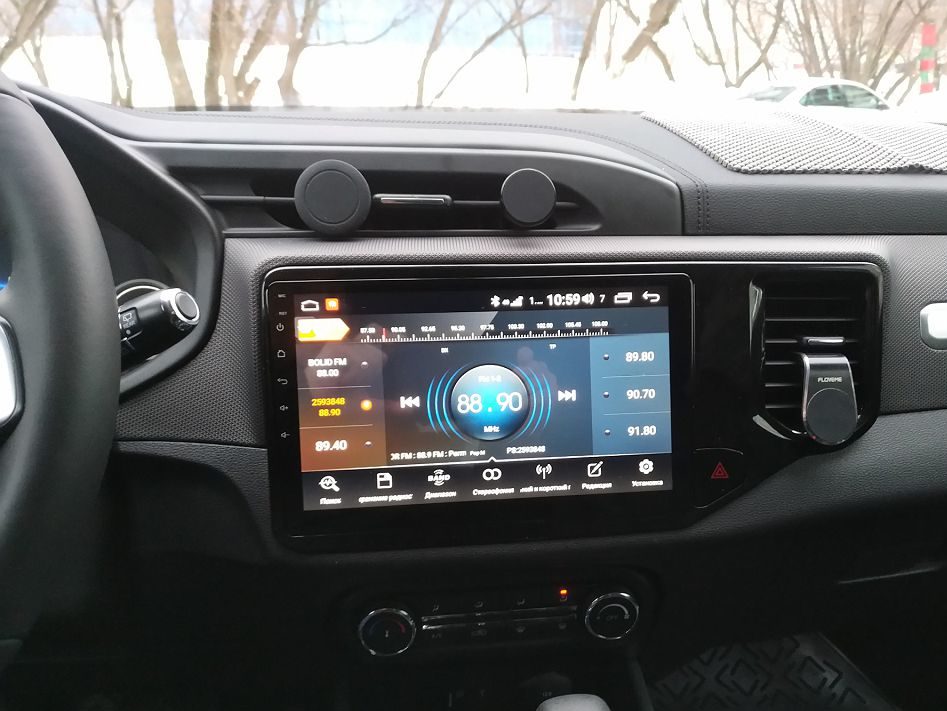
Now, let’s talk about alternatives. If you’re experiencing the same issues I am, or if you simply want more features or a better user experience, you do have options. You could explore aftermarket infotainment systems. There’s a whole world of Android Auto and Apple CarPlay compatible units out there that offer far superior functionality and often come with crisper displays and more intuitive interfaces. The installation process can be a bit involved, and you might void your warranty, so that’s something to consider. However, if the factory system is driving you nuts like it is me, it might be worth the investment. Another option, a less drastic one, is to see if Chery releases a firmware update that addresses these issues. Keep an eye on their website and forums for any announcements. Sometimes, manufacturers do release updates that fix bugs and improve performance. It’s worth checking regularly, though I’m not holding my breath given my experience so far. Ultimately, the best alternative depends on your technical skills, budget, and how much you’re willing to tolerate this frustrating gesture glitch. It’s a shame, really, because the Tiggo FOUR/Pro is a decent car, but this multimedia system is a real weak point.