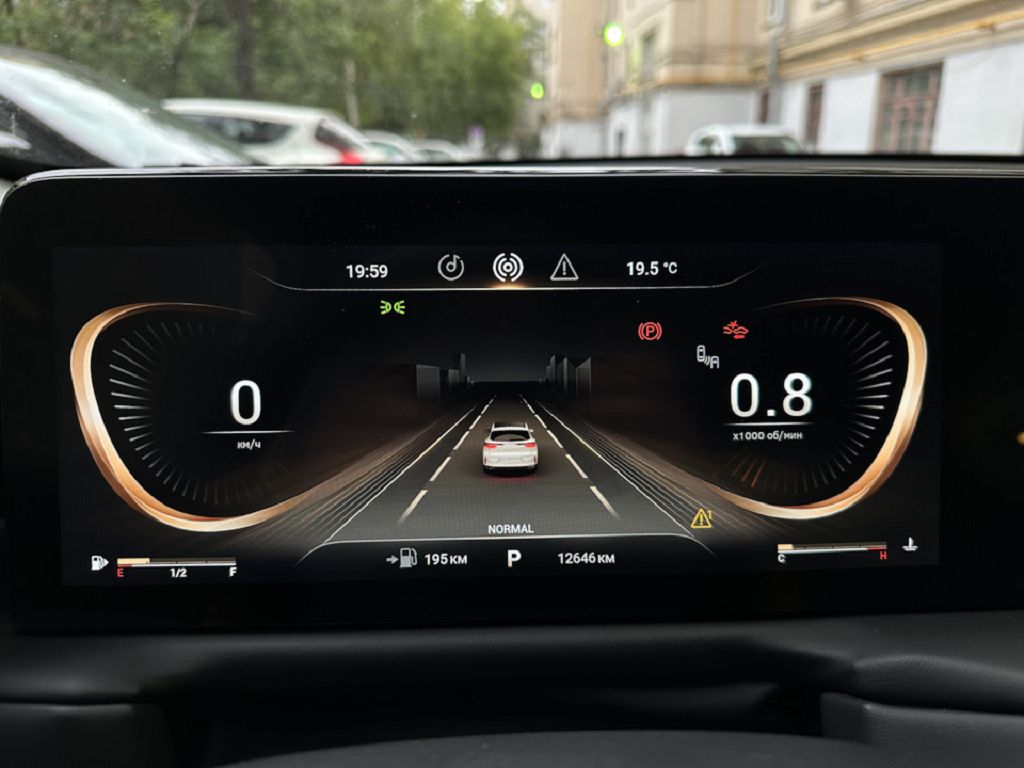
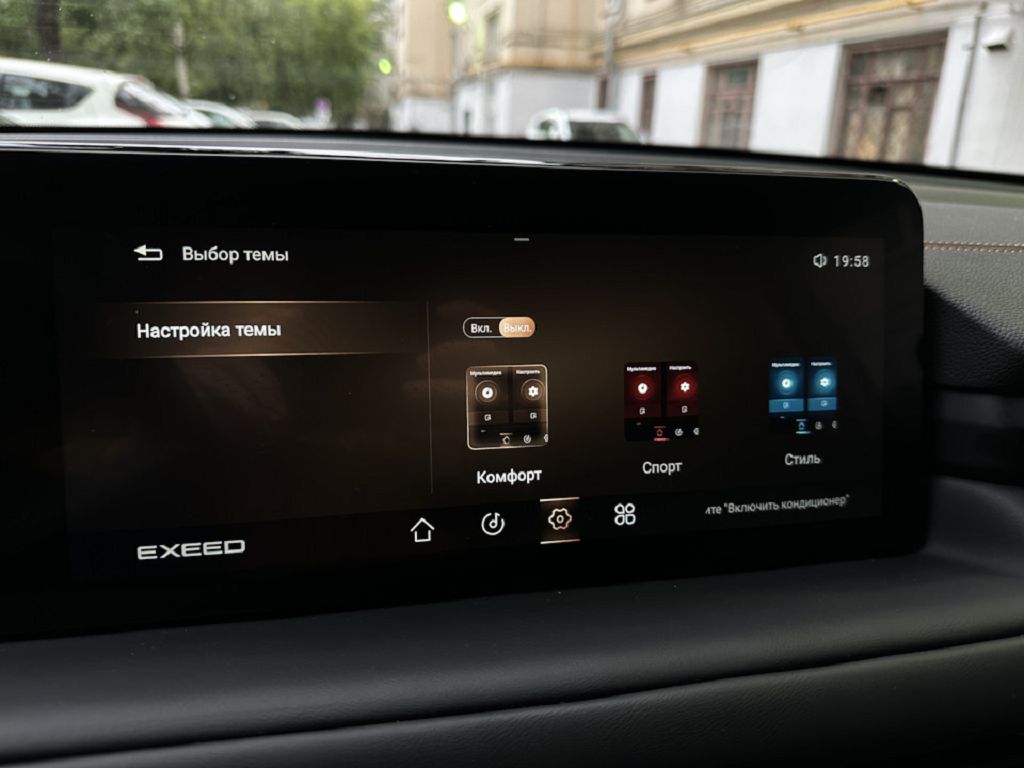
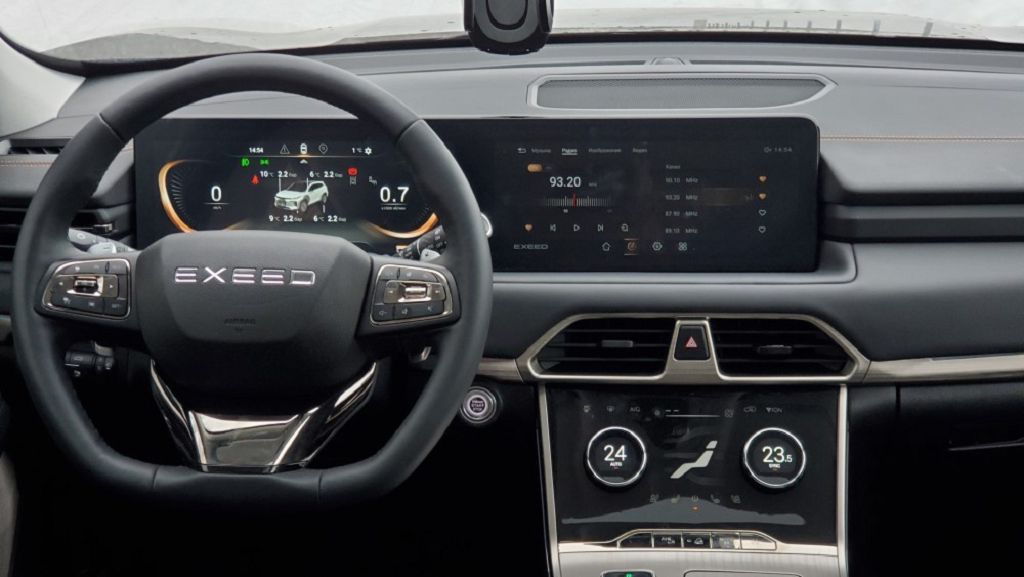
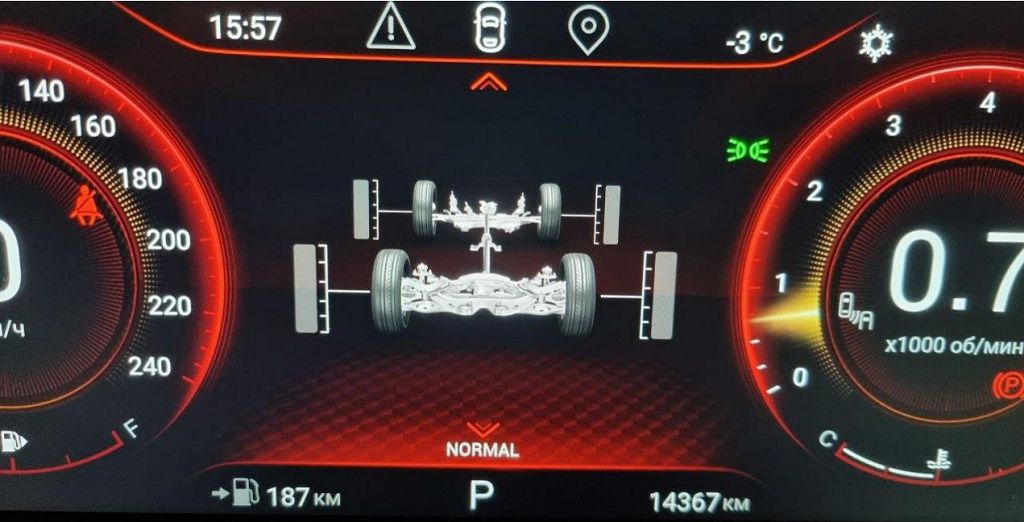
So, let’s dive straight into the EXEED TXL’s dashboard and talk about firmware. Specifically, we’re looking at firmware version B ONE FIVE TWO. Now, this firmware update, from what I’ve gathered from various forums and my own experience, seems to be a bit of a mixed bag. Some users report significant improvements in system responsiveness and overall stability. They’re seeing smoother transitions between menus, quicker processing times, and fewer random glitches. Others, however, haven’t experienced such dramatic changes, and some have even reported new, minor issues popping up after the update. It’s really a case-by-case scenario, and I’d love to hear your experiences in the comments below – did you notice any improvements or problems after updating to B ONE FIVE TWO? Let’s discuss!
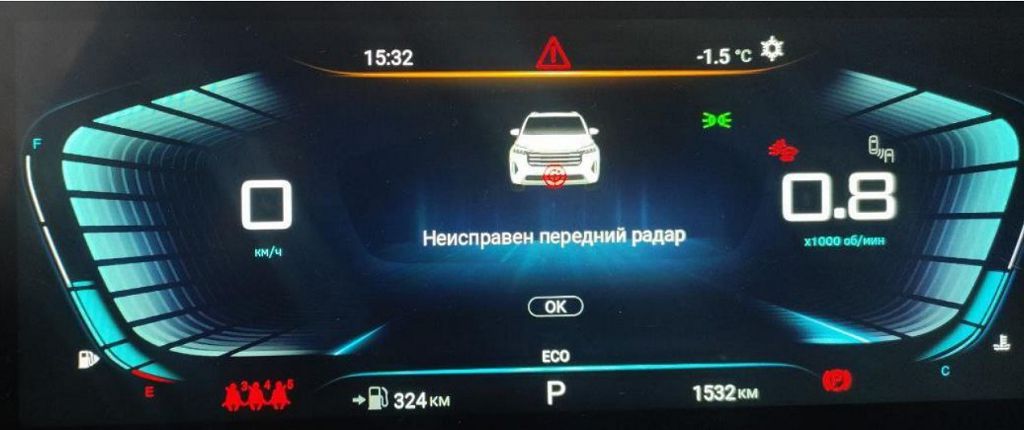
Okay, moving on to a more pressing issue: the «Faulty Front Radar» error message. This is something that’s been cropping up quite a bit, and it’s understandably concerning. First, let’s talk about what this error usually means. In most cases, it indicates a problem with the sensors in your front bumper. These sensors are crucial for several advanced driver-assistance systems (ADAS), like adaptive cruise control and automatic emergency braking. A faulty radar can mean these systems won’t function correctly, or at all, potentially compromising your safety. Now, before you panic, let’s explore some troubleshooting steps. First, check for any obvious obstructions in front of the sensors. Things like mud, snow, or even a large insect can interfere with the radar’s signal. Give the sensors a good clean – a gentle wipe with a damp cloth should suffice. If the error persists after cleaning, the problem might be more serious. It could be a faulty sensor, a wiring issue, or even a problem with the radar control unit itself. In such cases, a visit to your EXEED dealership or a qualified mechanic is absolutely necessary. They’ll have the diagnostic tools to pinpoint the exact cause and recommend the appropriate repair. Remember, don’t attempt any DIY repairs unless you’re experienced with automotive electronics – you could potentially cause more damage. And again, I really want to hear from you guys. Have you encountered this error? What was the solution? Share your experiences in the comments – it could help others facing the same problem.
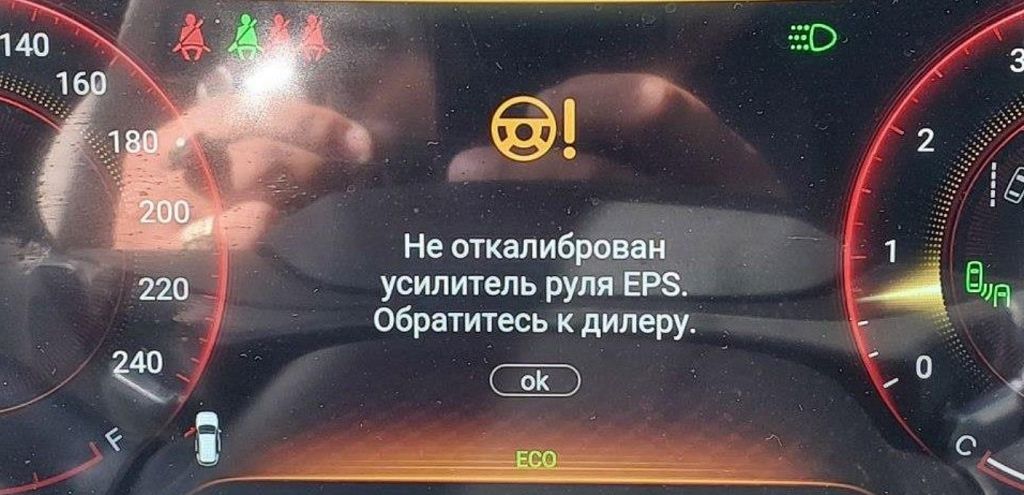
Okay, so let’s dive straight into these EXEED TXL dashboard issues. First up, we’ve got that pesky «Power Steering EPS not calibrated» message. This is a common one, and thankfully, usually not a major problem. What it means is that the electronic power steering system needs to be re-calibrated. This is often triggered by a low battery, a recent battery disconnect, or even sometimes just a software glitch. Now, before you panic and think you need a TWO THOUSAND dollar repair bill, let’s try some simple troubleshooting steps.
First, make sure your battery is fully charged. A weak battery can definitely cause this error. Use a multimeter to check the voltage – you should be seeing around TWELVE to FOURTEEN volts. If it’s lower, charge it up completely. Once it’s charged, try turning the ignition on and off a few times. Sometimes, just a simple power cycle can reset the system. If that doesn’t work, there’s a chance you might need to perform a steering wheel calibration procedure. This usually involves turning the steering wheel all the way to the left, holding it there for a few seconds, then all the way to the right, and holding it again. The exact procedure might vary slightly depending on your specific EXEED TXL model year, so it’s always a good idea to check your owner’s manual for the precise steps. If you’ve tried all this and the error persists, then it’s time to consult your EXEED dealer or a qualified mechanic. They might need to use diagnostic equipment to pinpoint the exact cause.
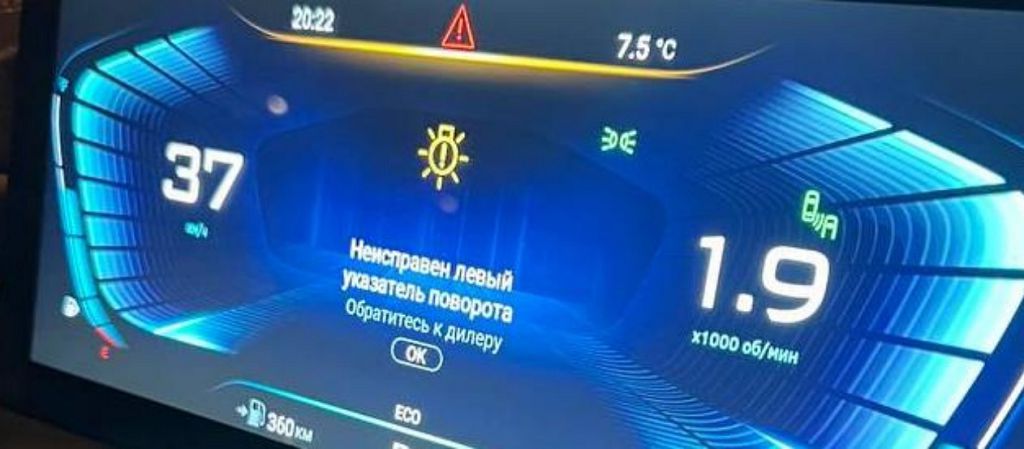
Next, let’s tackle that faulty left turn signal. This one can be a bit more involved, as there are several potential culprits. The first thing to check is the bulb itself. It’s surprisingly common for a bulb to simply burn out. Replacing it is a relatively straightforward process, and you can usually find replacement bulbs at most auto parts stores. If the bulb is fine, then we need to move on to the wiring. Inspect the wiring harness leading to the left turn signal light for any signs of damage, such as frayed wires, loose connections, or corrosion. Pay close attention to the area where the wiring enters the bulb socket. A damaged wire can interrupt the electrical signal, preventing the light from working correctly. If you find any damaged wiring, you might need to repair or replace it. This could involve some basic electrical work, so if you’re not comfortable with that, it’s best to seek professional help. Another possibility is a faulty turn signal switch. This is the stalk on your steering column that you use to activate the turn signals. A malfunctioning switch can prevent the left turn signal from working, while the right one might still function perfectly. Replacing the turn signal switch is a more involved repair and usually requires some mechanical knowledge. Again, if you’re not comfortable doing this yourself, it’s best to take your EXEED TXL to a mechanic. And finally, don’t rule out a problem with the control module itself. This is less likely, but it’s a possibility if all other checks come back negative. A faulty control module would require professional diagnosis and replacement. Remember, safety is paramount, so if you’re unsure about any of these steps, don’t hesitate to consult a professional.