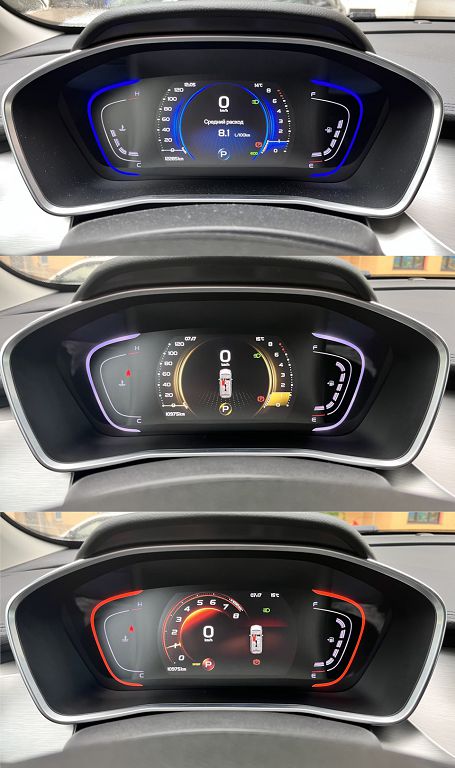
So, let’s dive right into the Geely Coolray’s dashboard and its THREE driving styles. You’ll see how the color of the display changes dramatically depending on the mode you select. In Eco mode, you’ll notice a calming, predominantly green hue. It’s subtle, but it really sets a relaxed tone, almost like a visual cue to drive more gently and efficiently. Think of it as your dashboard whispering, «Relax, save some fuel.» Then, there’s Normal mode. This one opts for a more neutral, almost amber-like color scheme. It’s a nice balance – not too flashy, not too subdued. It’s the everyday driving experience, visually reflecting the balanced nature of the mode itself. Finally, we have Sport mode. This is where things get exciting! The dashboard transforms into a vibrant, energetic red. It’s a bold statement, a visual representation of the increased responsiveness and power you’ll feel under your foot. The red really amps up the driving experience, making you feel connected to the car’s performance. It’s a subtle but effective way to enhance the overall driving feel.
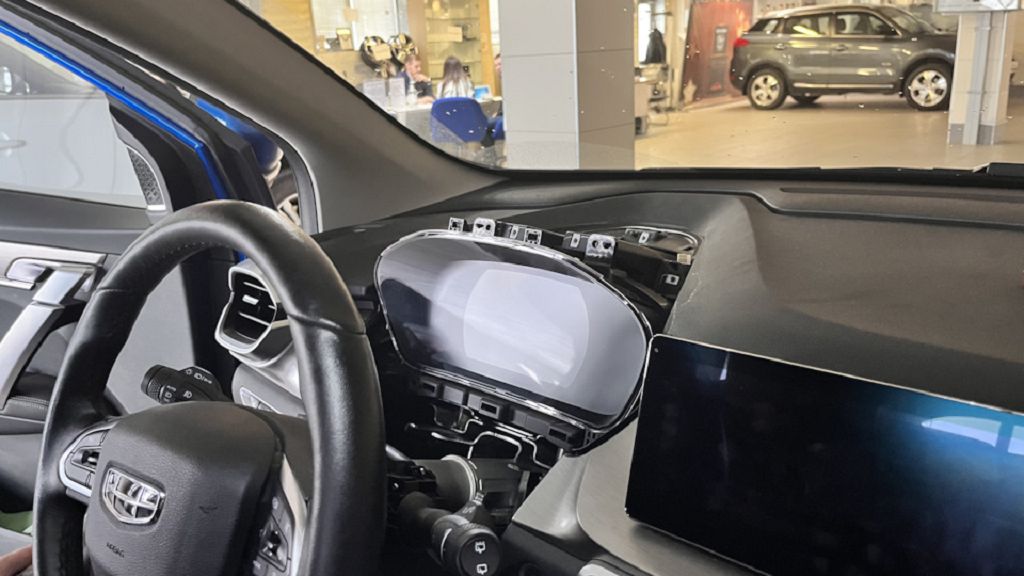
Now, let’s talk about replacing the analog dashboard with a digital one. This is a pretty significant upgrade, and it’s something a lot of Coolray owners are interested in. The analog setup is perfectly functional, of course, but the digital display offers so much more. Think about the sheer amount of information you can cram onto that screen. You’re not just limited to speed and RPMs. You get real-time fuel economy, tire pressure monitoring, navigation information, and even entertainment controls, all neatly displayed in a customizable interface. The upgrade process itself can vary depending on your specific model and the kit you choose, but generally, it involves careful removal of the old analog unit, precise installation of the new digital screen, and then some careful wiring to ensure everything works seamlessly. There are plenty of online resources and tutorials that can guide you through this process, but if you’re not comfortable working with car electronics, it’s always best to consult a professional. The payoff, though, is a vastly improved and more modern driving experience.
Finally, let’s touch on firmware updates. This is something often overlooked, but it’s incredibly important for keeping your digital dashboard running smoothly and efficiently. Firmware updates often include bug fixes, performance enhancements, and even new features. Think of it as a software update for your car’s computer. These updates can significantly improve the responsiveness of the display, fix any glitches you might be experiencing, and even add new functionalities that weren’t available when you first got the car. Checking for and installing these updates regularly is a simple way to ensure your digital dashboard remains at its best. The process usually involves connecting your car to a computer or using a dedicated app, and the instructions are usually pretty straightforward. But again, if you’re unsure, it’s always best to seek professional help. Keeping your firmware up-to-date is a small step that can make a big difference in the long run.
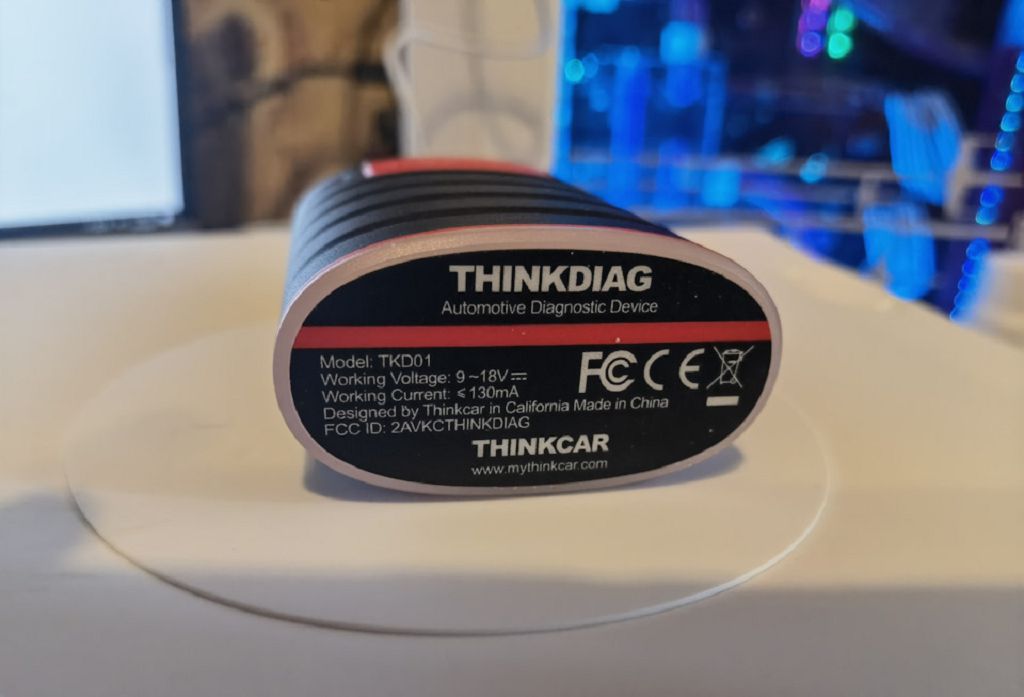
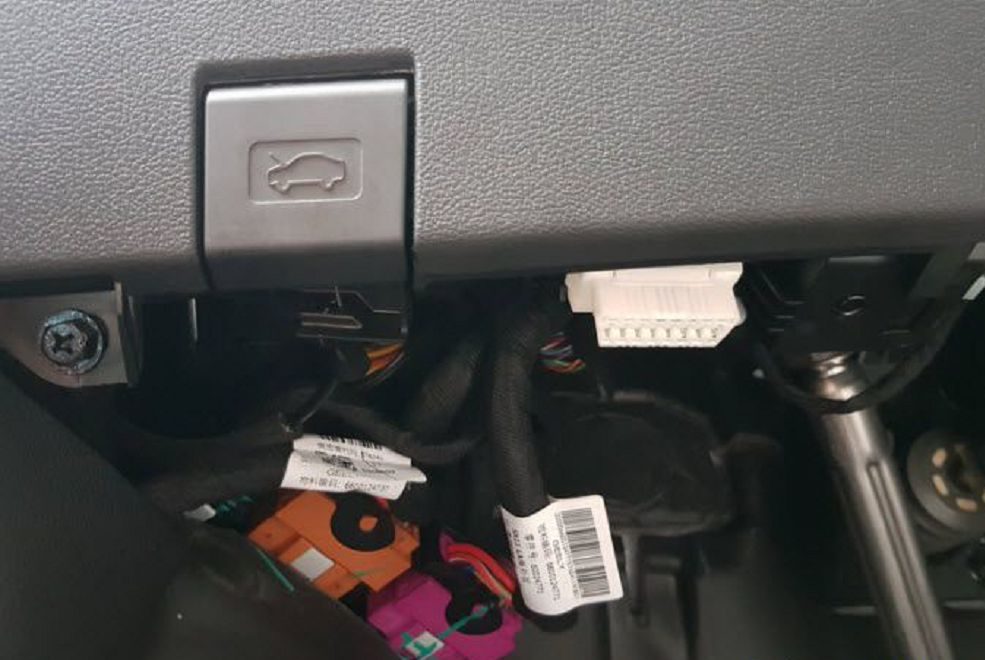
So, let’s dive straight into flashing that Geely Coolray digital dashboard using the THINKDIAG. It’s a pretty cool process, and I’ll show you exactly how I did it in this video. We’re going to be looking at the whole process, from connecting the THINKDIAG to the car’s OBD port, to navigating the software, and finally, seeing that beautiful new dashboard come to life. I’ll be highlighting all the important steps, so you can follow along easily, even if you’re a complete beginner. Remember, safety first! Always make sure your car is parked securely and the engine is off before you start any kind of diagnostic work.
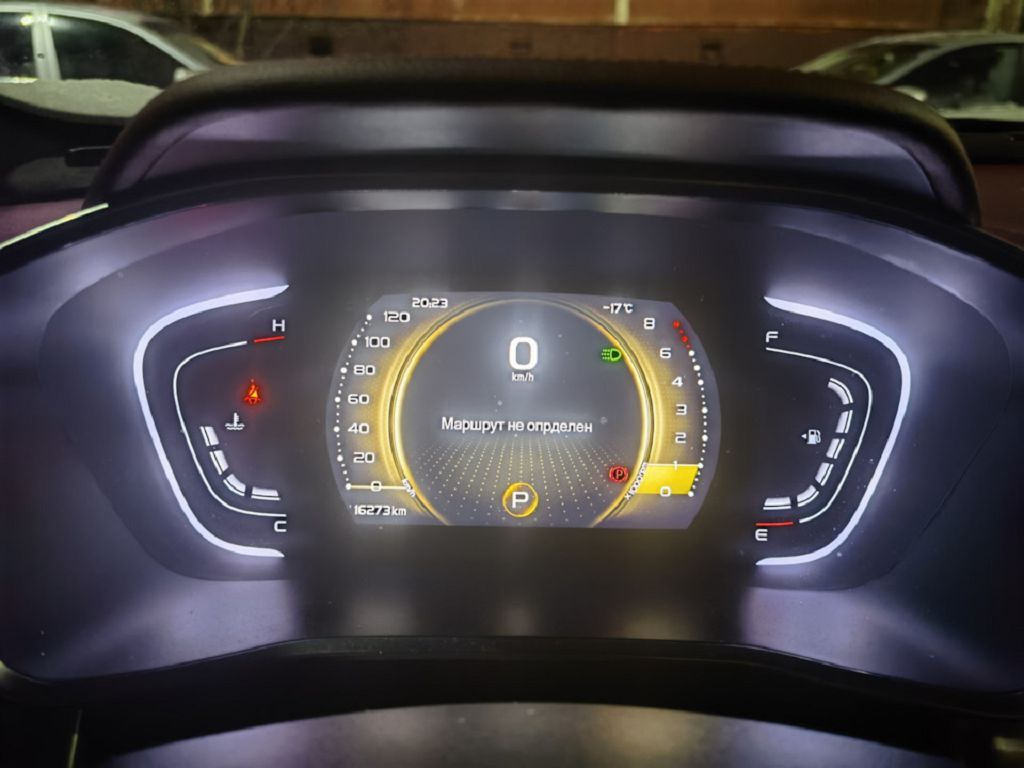
Now, what exactly does flashing your Geely Coolray’s digital dashboard give you? Well, it’s more than just a cosmetic change. Think of it as a software update for your instrument cluster. A fresh firmware can often fix glitches, improve responsiveness, and even unlock hidden features. Sometimes, you might find that your dashboard is displaying errors or behaving erratically. Flashing the firmware can often resolve these issues, giving you a smoother, more reliable driving experience. Plus, let’s be honest, a brand new dashboard just looks fantastic! It can really revitalize the look and feel of your entire car’s interior. We’ll be exploring some of the specific improvements you can expect to see after the flashing process. I’ll show you before and after shots, so you can see the difference for yourself.
Finally, let’s talk about the cost. How much does it actually cost to flash the Geely Coolray’s digital dashboard? Well, the price can vary depending on a few factors. The biggest factor is whether you’re doing it yourself or paying a professional. If you’re comfortable working with car electronics and have the THINKDIAG tool, the cost is primarily the price of the firmware itself, which is usually pretty reasonable. However, if you’re not comfortable doing it yourself, you’ll need to take your car to a specialist. In that case, the cost will include labor charges on top of the firmware cost, which can significantly increase the overall expense. I’ll give you a rough estimate of what you can expect to pay in both scenarios, so you can budget accordingly. Remember to always get quotes from multiple sources before committing to any work.