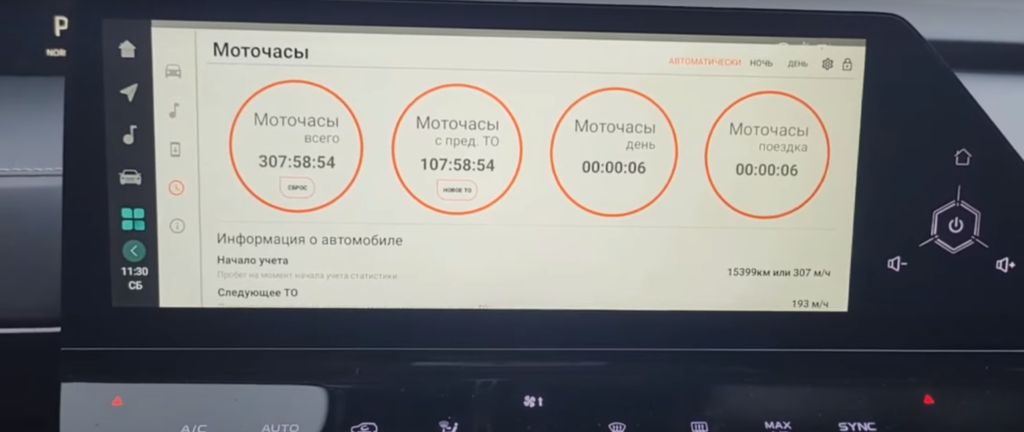
Okay, so let’s dive right into this Changan UNI-V’s infotainment system. We’re talking about that OEM stereo, and how we can customize it using this GMC custom firmware. First up, something a lot of you have been asking about: setting up the engine hours. Now, this isn’t something you’ll find in the standard settings menu, it’s a bit hidden. You’ll need to access the advanced settings within the GMC firmware. Think of it like unlocking a secret menu on your favorite video game. Once you’re in there, you’ll see an option labeled «Vehicle Data.» Click on that, and you’ll find a whole bunch of information about your car, including the engine hours. It’s displayed as a cumulative number, so you’ll see how many hours your engine has been running since the car was manufactured. It’s really useful for tracking maintenance schedules and getting a better understanding of your car’s overall health. Remember, this is only accessible through the custom firmware, so make sure you’ve installed it correctly before attempting this. Don’t worry, I’ll have a link to the installation guide in the description below.
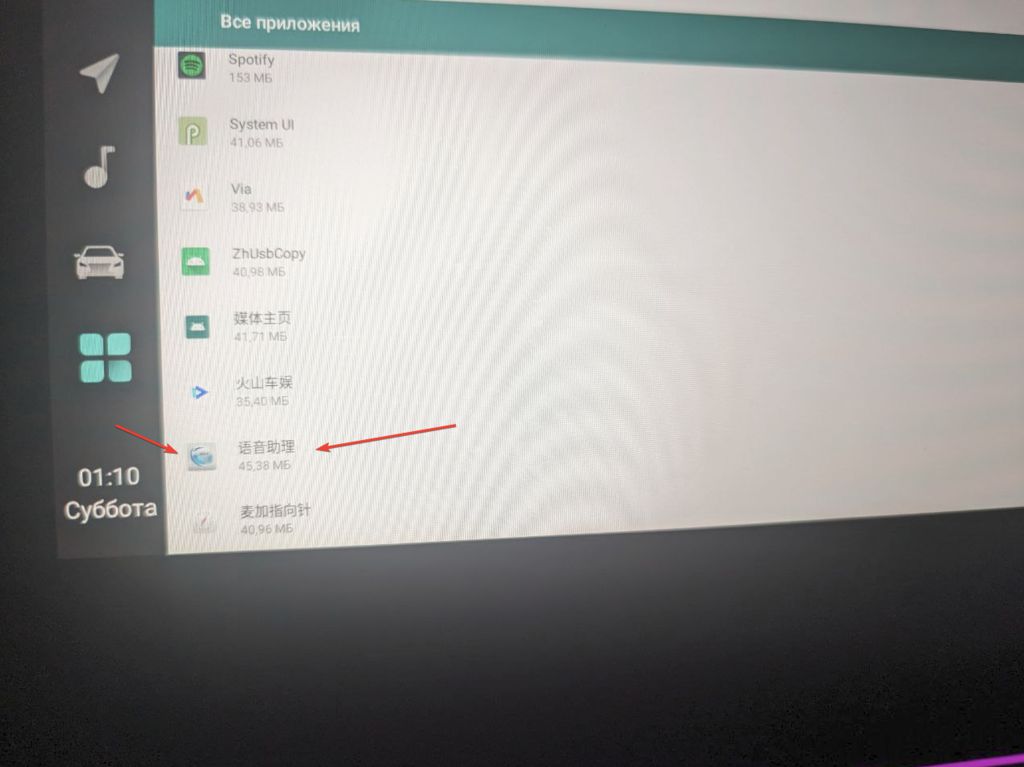
Next, let’s talk about disabling that ever-present voice assistant. Some people love it, some people… well, let’s just say they find it less than helpful. If you’re in the latter camp, you’ll be happy to know that the GMC firmware gives you the option to completely disable it. It’s not just about muting it; we’re talking about a full shutdown. No more accidental activations, no more unwanted interruptions. To do this, you’ll need to navigate to the «System Settings» menu within the GMC firmware. It’s pretty straightforward; you’ll see an option clearly labeled «Voice Assistant.» There, you’ll find a toggle switch – simply flip it to the «OFF» position. It’s that easy. Once you’ve done that, your voice assistant will be completely deactivated, giving you a much more peaceful driving experience. And remember, if you ever change your mind, you can always re-enable it just as easily. This is one of the best features of this custom firmware, giving you complete control over your in-car experience.
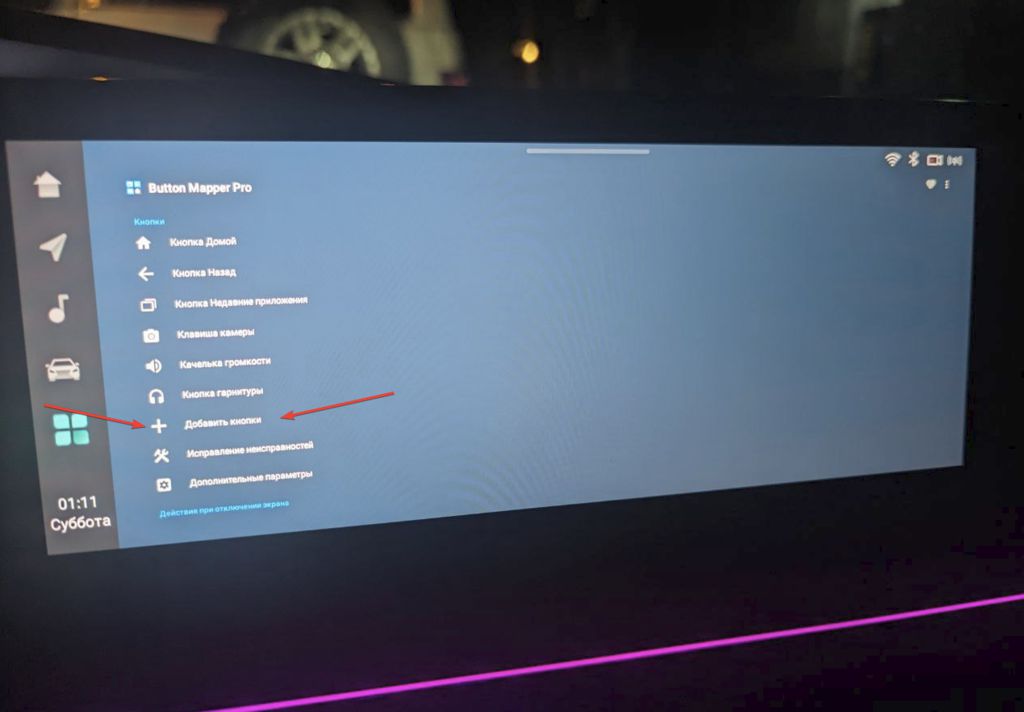
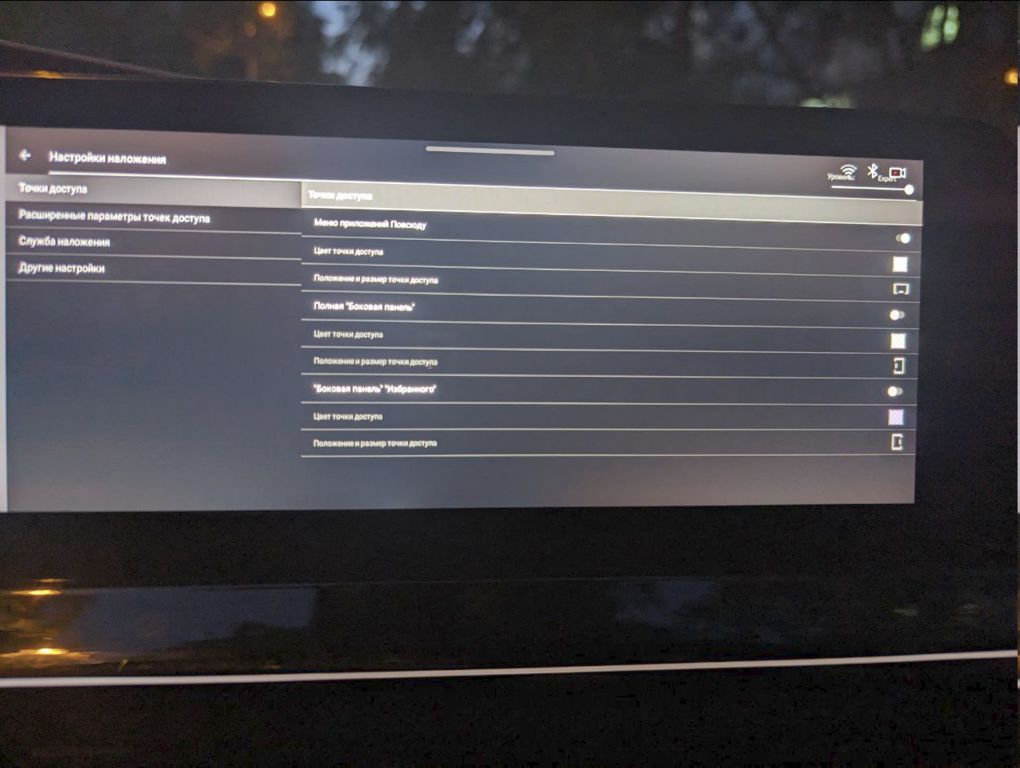
So, you’re curious about getting Button Mapper and JINA Drawer working on your Changan UNI-V’s GMC custom firmware, huh? Let’s dive right in. Installing these apps isn’t rocket science, but it does require a bit of know-how. First, you’ll need to make sure you have the correct version of the GMC custom firmware installed on your UNI-V’s head unit. This is crucial because compatibility is key. Different firmware versions have different levels of support for these apps, and some might not work at all with older versions. You’ll find detailed instructions on how to check your firmware version and update it if necessary on the GMC firmware website – I’ll link that in the description below. Once you’ve confirmed you have the right firmware, you can download Button Mapper and JINA Drawer from their respective app stores. The installation process is pretty straightforward; it’s much like installing any other app on your phone. However, you might need to enable developer options on your head unit’s settings to allow the installation of apps from unknown sources. Again, the GMC firmware website will have instructions on how to do this. Remember to carefully follow the steps; rushing through the process could lead to errors or even damage your system. Take your time, and if you get stuck, don’t hesitate to consult the online communities dedicated to GMC firmware – there’s a wealth of knowledge and support available there. Remember to always back up your system before making any significant changes.
Now, let’s talk about something that’s probably on everyone’s mind: Does flashing custom firmware like GMC void your car’s warranty? This is a BIG question, and unfortunately, there’s no simple yes or no answer. It really depends on your specific warranty terms and the dealership’s policies. Some dealerships might be more lenient than others. Officially, most manufacturers state that modifying the vehicle’s software can void the warranty, and that includes installing custom firmware. However, if something goes wrong with your car’s electrical system that’s unrelated to the firmware, it’s unlikely they’ll be able to directly link the problem to the custom firmware. The key here is to be discreet. If you need warranty work, it’s best to revert your head unit back to the factory firmware before taking your car in. This minimizes the risk of any complications. It’s a bit of a hassle, but it’s a precaution worth considering. Ultimately, the decision of whether or not to install custom firmware is yours. Weigh the potential benefits against the risks, and make an informed choice. Remember, I’m not responsible for any issues that might arise from installing custom firmware. This is just information for educational purposes.